Interface ICs
XL interface ICs bring CAN FD and serial channels onto your own PCB. Start with the channel combination, package, and electrical requirements in the device documentation.
Explore XL devices
ABOUT XILUME
Xilume develops interface ICs, communication hardware, and the software that connects them to Windows and Linux.
WHAT WE BUILD
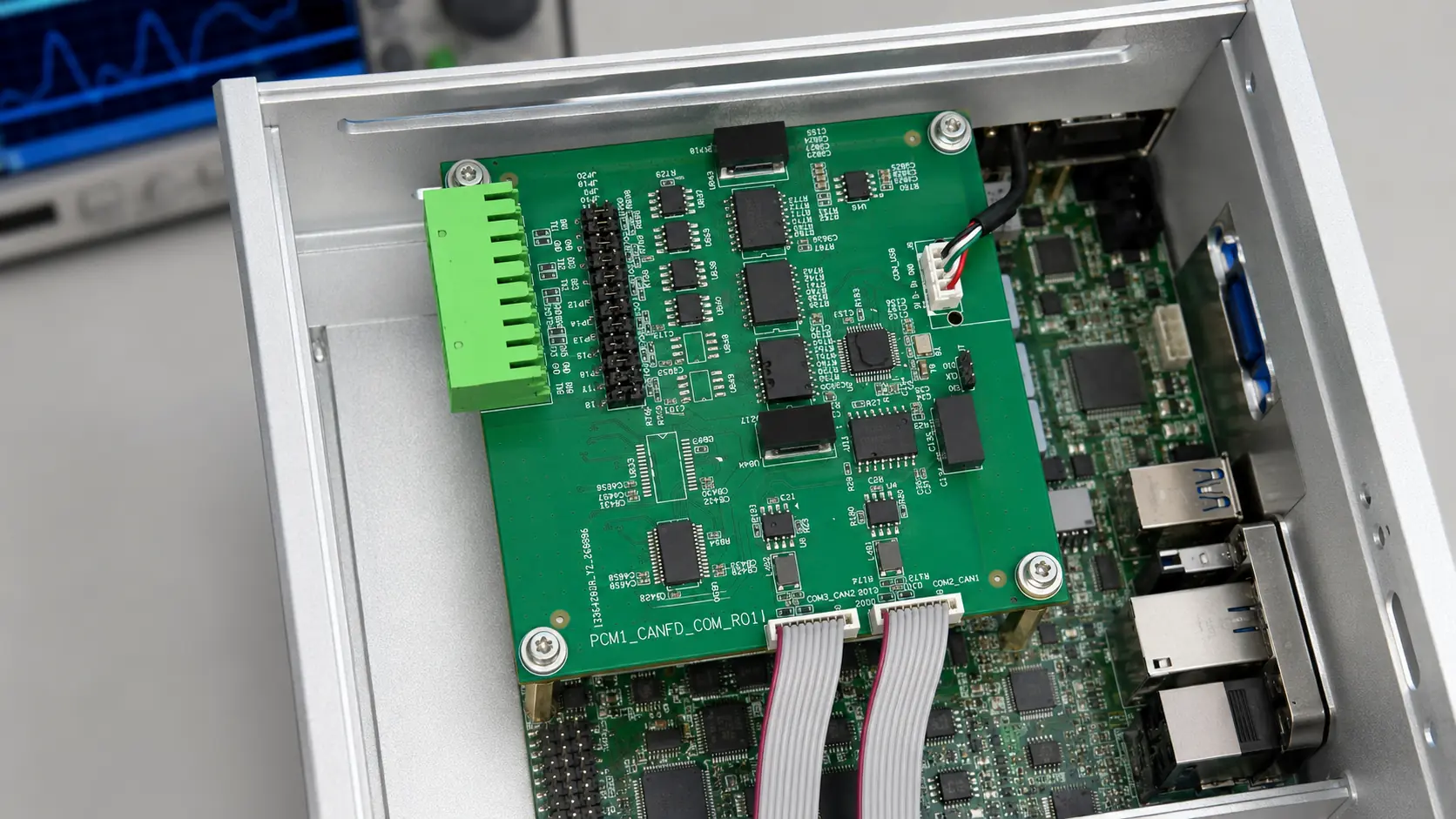
Our products address a practical integration problem: a computer needs to communicate with equipment that uses different electrical interfaces. We provide CAN FD and serial connections as interface ICs, internal modules, and enclosed USB hardware.
The product work covers interface firmware, PCB hardware, device drivers, control software, and communication diagnostics. Smart-battery interfaces extend the same approach to battery information and host-system visibility.
HARDWARE & SOFTWARE
XL interface ICs bring CAN FD and serial channels onto your own PCB. Start with the channel combination, package, and electrical requirements in the device documentation.
Explore XL devicesDualCANFD and XE826 fit inside the host. Octant adds external USB connectivity for the workbench and field. Choose the format around how your equipment is installed and used.
Compare integration optionsProduct-specific drivers, control software, and TraceBox Analyzer Pro support device setup, communication capture, and diagnostic reports. Download the package that matches your model and operating system.
Find software and driversWORKING WITH XILUME
Share the host connection, operating system, interface types, channel counts, and installation space.
Review the selected product’s wiring, power, driver, and electrical requirements against your equipment.
Verify recognition and communication on your host, then use captures, logs, and diagnostic reports when discussing an issue.